Tab chaos
Docs, DE lists, Slack, and AI in separate tabs—context lost every switch.
Stop context-switching between docs, DE exports, and generic AI. Generate AMPscript, SSJS, and Automation Studio SQL with your real column names—in one project workspace.
No credit card · 15 messages/month · 1 project on Free
The problem
Enterprise copilots need a rollout. ChatGPT doesn't know your Customer Keys. SFMC Agent is the middle path for solo devs and consultants.
Tab chaos
Docs, DE lists, Slack, and AI in separate tabs—context lost every switch.
Placeholder code
Generic AI invents DE names. Ours uses your project's columns and field mappings.
Enterprise friction
No IT ticket or platform approval. Connect your Installed Package and ship.
Product tour
Real workflows from the SFMC Agent dashboard—your data extensions, context, and chat in one place.
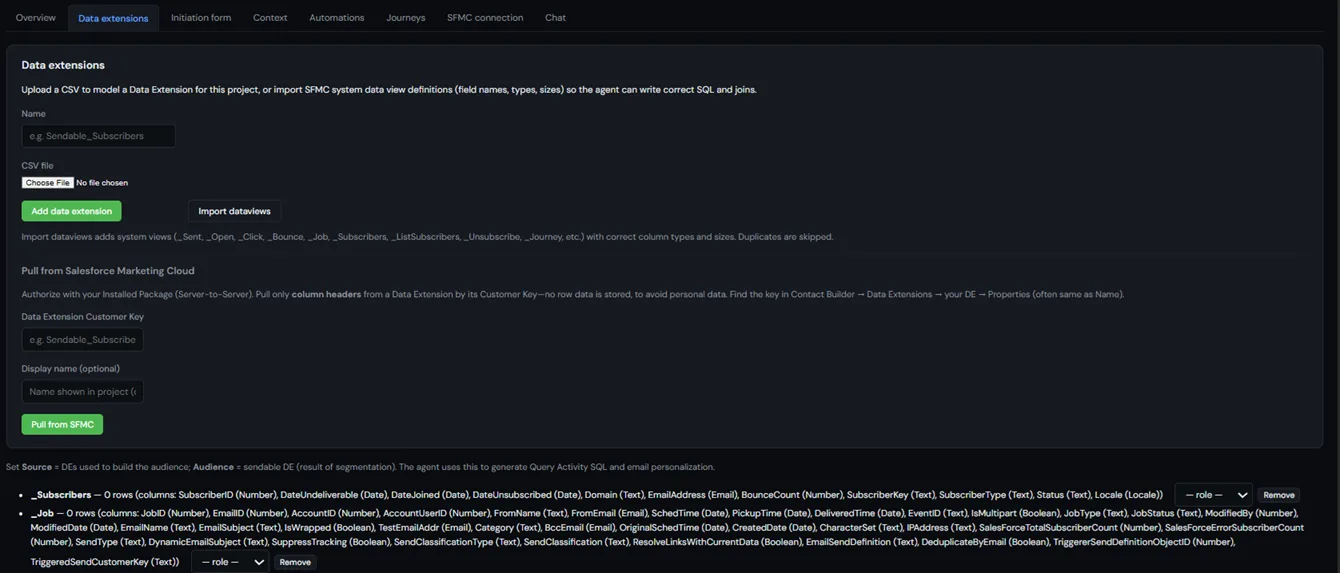
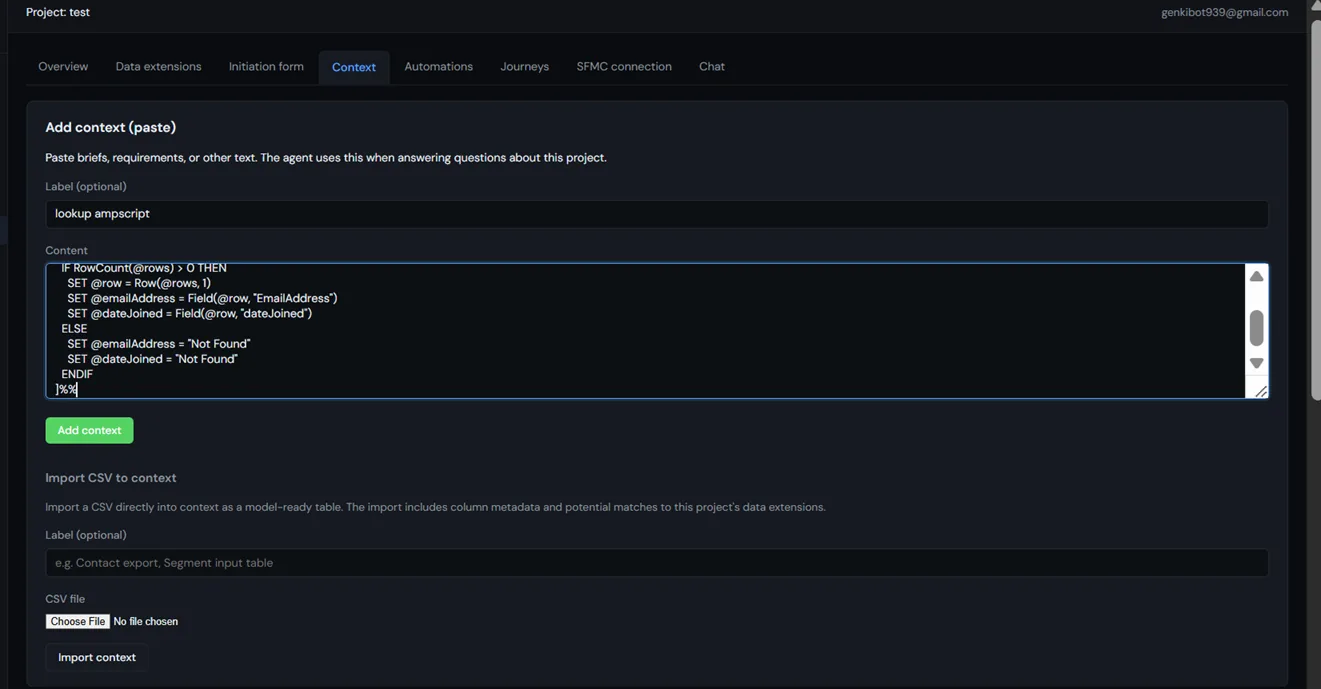
Upload CSV, import data views, or pull column headers from SFMC—scoped to the campaign you're building.
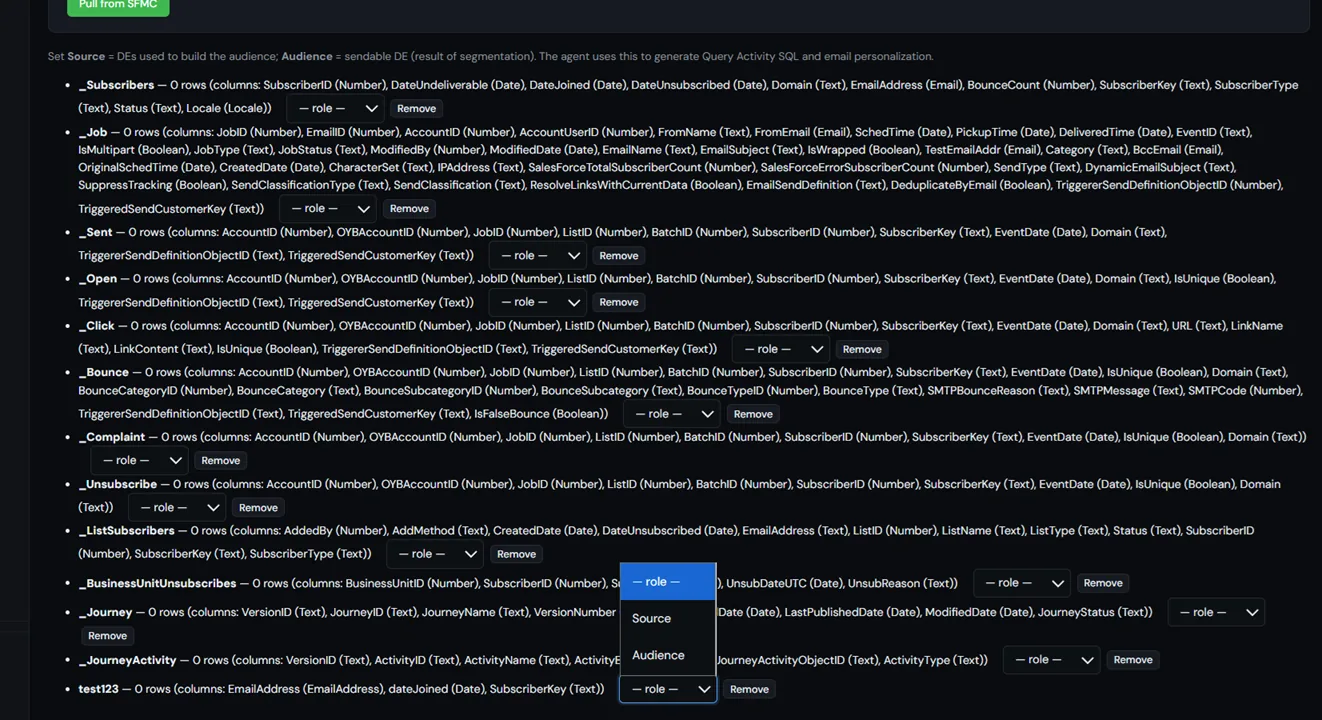
Connect your Installed Package and import DE schema by Customer Key without exporting row data.
The agent lists data extensions from your org and lets you add results straight into project context.
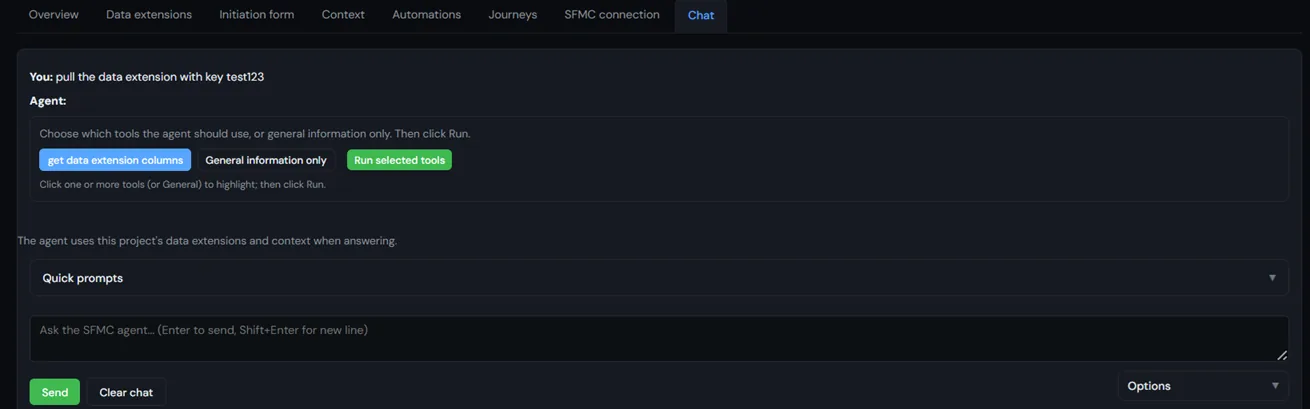
Real DE names and keys from your Marketing Cloud business unit—not placeholder examples.
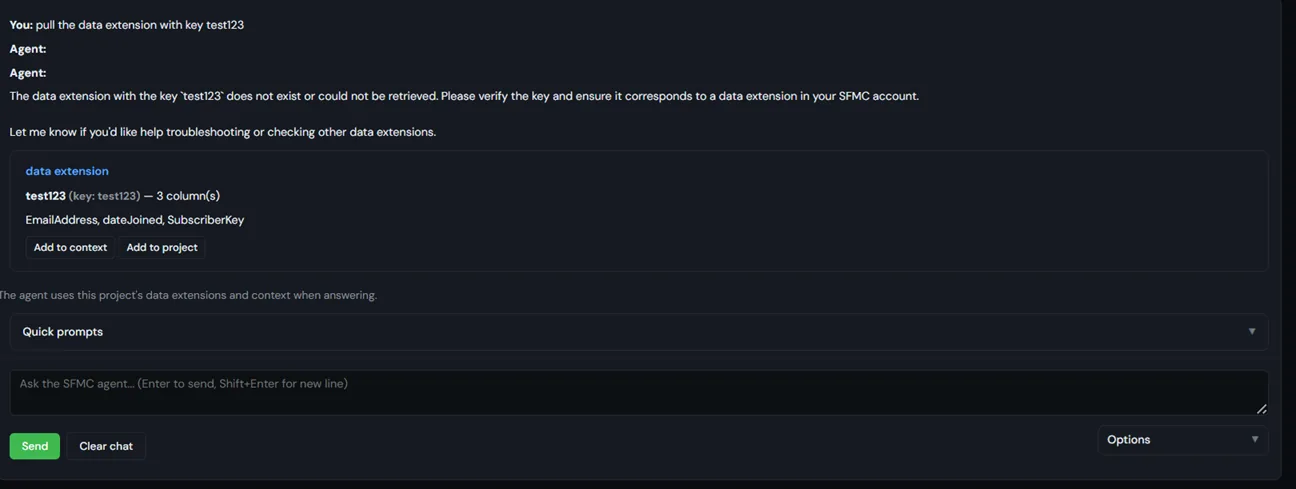
Generate lookups and personalization using the DE columns and field mappings in your project.
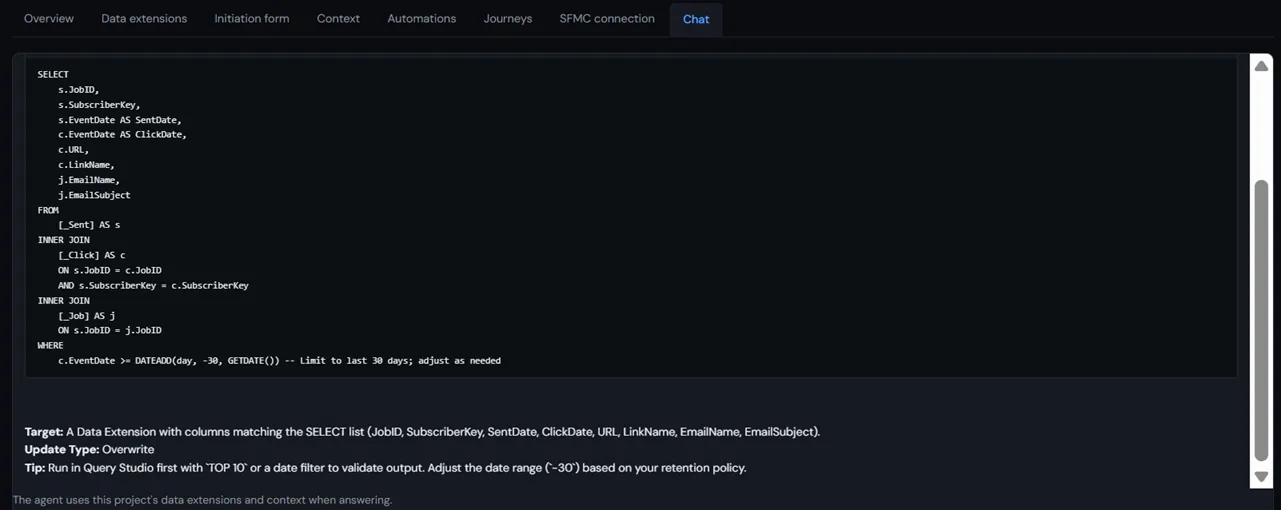
Draft query activities and automation logic while the agent references your project data extensions.
Capabilities
Lookups, personalization, send logging, and preference links from your DE schema.
Upload CSV, import data views, or pull column headers from SFMC by Customer Key.
Briefs, HTML emails, PDFs, and sheets searchable while you build.
List DEs, journeys, and automations from your org—not hallucinated names.
MCP API
SFMC Agent exposes a production HTTP Model Context Protocol (MCP) server so your IDE can list data extensions, query definitions, journeys, automations, and Content Builder assets from your Marketing Cloud business unit—without leaving the editor.
Endpoint
https://sfmcdeveloper.dev/sfmc-agent/mcp
Generate an API key in Dashboard → API after signup. Free includes 20 MCP requests/month; Pro includes 10,000/month. Prepaid API credits cover overage.
Cursor MCP config
Add to .cursor/mcp.json. Replace YOUR_API_KEY.
{
  "mcpServers": {
    "sfmc-agent": {
      "url": "https://sfmcdeveloper.dev/sfmc-agent/mcp",
      "headers": {
        "Authorization": "Bearer YOUR_API_KEY"
      }
    }
  }
}
Connect your SFMC Installed Package in dashboard Settings so MCP tools authenticate to your business unit. Each tool call counts as one API request toward your monthly quota.
How it works
Name your campaign or client workspace. One project keeps DEs, brief, and chat together.
Pull DEs from SFMC, upload CSV, map fields in the initiation form, or import docs for RAG.
Ask for AMPscript, SQL, or journey logic. Review output, copy, and deploy to Marketing Cloud.
FAQ
Direct answers for developers evaluating an SFMC AI copilot and MCP integration.
SFMC Agent is an AI copilot built for solo Salesforce Marketing Cloud developers and consultants. It combines project-scoped chat, data extension context, RAG document search, and live SFMC tool calls so you can generate AMPscript, SSJS, Automation Studio SQL, and email HTML using your real org metadata.
Yes. SFMC Agent exposes a public HTTP Model Context Protocol (MCP) server at https://sfmcdeveloper.dev/sfmc-agent/mcp. Connect Cursor or any MCP-compatible client with an API key from the dashboard to list data extensions, query definitions, journeys, automations, and Content Builder assets against your Marketing Cloud business unit.
Free includes 15 agent messages per month, 1 project, and 20 MCP API requests per month. Pro is $49/month with 400 messages, 10 projects, and 10,000 MCP requests per month. Agency is $149/month for consultancies managing multiple clients, with 1,500 messages, 30 projects, and 50,000 MCP requests per month.
Yes. Connect an SFMC Installed Package in Settings, then pull data extension column headers, list journeys and automations via agent tools or the MCP API. The agent uses your project's DE schema and context instead of inventing placeholder field names.
AMPscript for email personalization and CloudPages, Server-Side JavaScript (SSJS) for forms and APIs, Automation Studio SQL for audience segmentation, and HTML/CSS for email development—all within a single project workspace.
SFMC Agent is optimized for solo SFMC developers, freelancers, and in-house marketing ops builders who want fast output without enterprise copilot rollout. Sign up individually; no org-wide deployment required.
Copy-paste AMPscript lookups, SSJS patterns, and Automation Studio SQL—curated from real Marketing Cloud projects.
Instant access. No spam—one useful SFMC pattern per week, unsubscribe anytime.
Pricing
From solo developers to multi-client consultancies. Cancel anytime from the billing portal.
Free
$0
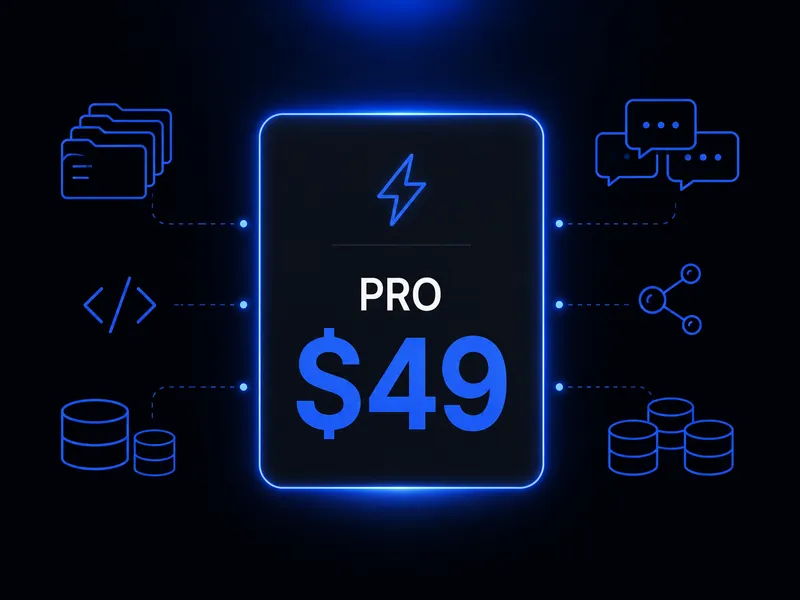
Pro
$49/mo
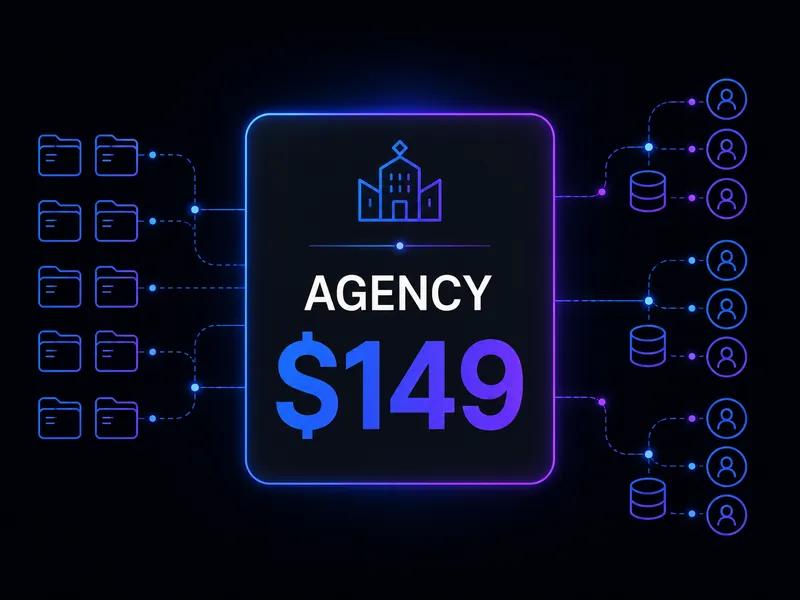
Agency
$149/mo
Join solo developers and consultants using an AI copilot built for Marketing Cloud.
Create your free account